Dockling vs Forest: Two Different Bets on How to Make You Focus
Forest grows a tree. Dockling grows a pet. One punishes you, the other rewards you. We used both, and the difference matters more than you think.
Forest is an excellent phone-first focus app with a punishment loop and a real-tree partnership. Dockling is the macOS-native equivalent with a reward loop and a pet that won't die if you check Slack. Forest's Mac story is just a Chrome extension that only counts time in Chrome. If you live on a Mac, Dockling fits better. If you want to plant real trees and you live on your iPhone, Forest is the right call. Get Dockling for $2.99 →
Every focus app comparison eventually names Forest. Forest is the gravitational center of the gamified-focus genre. On iOS since 2014, tens of millions of installs, a real partnership with Trees for the Future, and a punishment loop, plant a tree, leave the app, the tree dies, that is one of the most-copied mechanics in productivity software.
So when people search dockling vs forest or forest app alternative mac, they are asking a real question. The answer is that the two apps are different bets on how to make you focus, and the right one depends on which device you live on and which kind of motivation actually works on you.
Dockling vs Forest: the premise that matters
Strip the apps down and the only thing that really separates them is the learning loop. Forest uses what behavioral psychology calls aversive control. You commit to a 25-minute session. A virtual tree starts growing. If you leave the app before the timer ends, the tree dies and a tiny gravestone replaces it on your forest screen. The pain of seeing a dead tree is the deterrent.
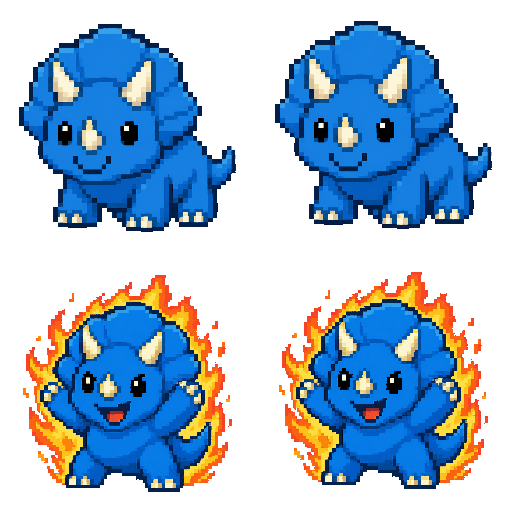
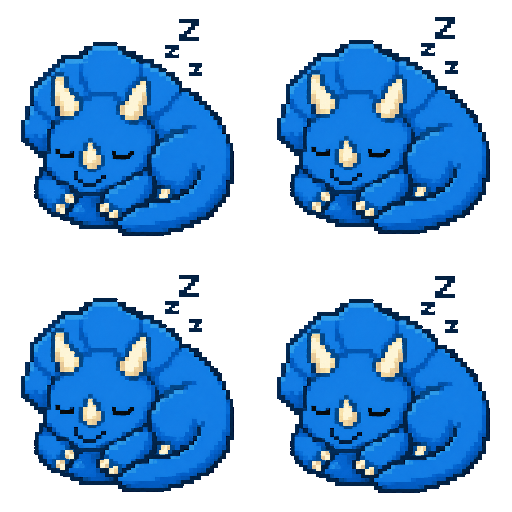
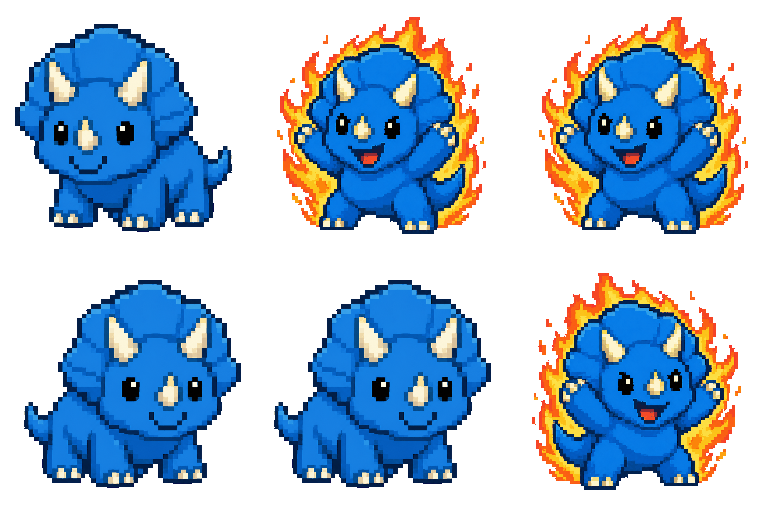
Dockling uses the opposite end of the same model: positive reinforcement. There is no tree, there is no death state, there is only a pixel pet that gets a little happier the more you focus, curls up to sleep when you take a break, and is just there in the menu bar or notch as ambient company.
Both work. Punishment can be more immediately effective at suppressing a behavior, while reward is more effective at sustaining a new one. Forest's loop is a great fit for someone fighting an active phone-checking habit. But that same loop can backfire for anyone with a heavy inner critic. People with anxiety, ADHD, or rejection-sensitive dysphoria often quietly stop using Forest because killing a virtual tree triggers real shame. We wrote about this in the ADHD Pomodoro guide.
Reward loops do not fail loudly. Skip a Dockling session, the pet sleeps. That is the whole consequence. In practice, it is the difference between a tool you keep open for months and one you uninstall after a bad week.
The Mac problem with Forest
Here is the part most Forest reviews skip. Forest does not have a real macOS app. If you go to the Forest site and look for a Mac download, what you actually find are two options: the Chrome extension, and the web app. The iOS app at $3.99 lives on the App Store and there is a free Android version, but neither helps you on a MacBook.
The Chrome extension has two real limits. First, it only blocks websites inside Chrome. Switch to Safari or Arc and the block is gone. Second, and this is the bigger one, it only counts focus time when Chrome is the foreground window. The moment you Cmd+Tab into Slack, Xcode, Cursor, Figma, Linear, or Notion, the timer is no longer tracking your real work.
For anyone who actually works on a Mac, that is most of the day. The Forest extension turns into a tab-staring incentive instead of a focus tool. That is not Forest's fault. They built for phones, where the phone-down gesture is the whole point. It just does not transfer.
Dockling vs Forest, side by side
Here is the full Dockling vs Forest comparison in one table. We ran both apps for two weeks on the same MacBook Pro, with the same workload, and tracked which features actually got used.
| Feature | Forest | Dockling |
|---|---|---|
| Primary platforms | iOS, Android, Chrome, web | macOS |
| Native macOS app | – (Chrome extension only) | ✓ |
| Price model | $3.99 iOS once, free Android, free extension | $2.99 once |
| Mechanism | Punishment (tree dies) | Reward (pet thrives) |
| Tracks all Mac apps | – (Chrome only) | ✓ |
| Plants real trees | ✓ (Trees for the Future) | – |
| Friend feed / social | ✓ | – |
| Character or pet | Tree (one species, unlockable) | Pet (custom from your photo) |
| MacBook Pro notch | – | ✓ |
| Menu bar timer | – | ✓ Live MM:SS |
| Account required | ✓ for sync | – (no account, no cloud) |
Where Forest wins in the Dockling vs Forest matchup
We are not going to pretend Forest is a weak product. It is not. Four things it genuinely does better in the Dockling vs Forest comparison:
- Cross-device sync. Your forest is the same on iPhone, Android, and Chrome. If you split your day across phone and laptop, that continuity is meaningful.
- Real-tree planting. The Trees for the Future partnership has reportedly funded millions of real trees. Dockling has no equivalent.
- Friend feed. See your friends' forests, compete on focus time, send virtual gifts. For students, this is the killer feature. Dockling is single-player by design.
- Brand and virality. Forest has been on the App Store for over a decade. Your classmate already uses it.
Where Dockling wins
- It is actually a Mac app. Native AppKit, lives in the menu bar with a live MM:SS countdown, walks across your dock, sits in the MacBook Pro notch. Tracks focus across every app, not just Chrome.
- No punishment loop. The pet does not die. If you abandon a session, it sleeps. That is it. No graveyard, no shame.
- Ambient pet. You see the pet whether or not you are in a focus session. Forest only shows up when you actively open it.
- $2.99 once. No subscription, no Pro tier, no premium plant pack. Forest iOS is one-time too, but Dockling is a third of the price and ships fully featured.
- Custom pet from your photo. Upload a photo and we generate a 9-frame pixel pet uniquely yours. See how custom pets work →

If killing a tree feels bad, you are not weird
We have heard this from dozens of people: they download Forest, love the idea, kill a tree on day three because Slack pinged them about a real fire, and feel a small but real twinge of guilt. Some of them push through. Some of them quietly delete the app. If you are in the second group, you are not weak. The loop is specifically designed to make you feel that. It just turns out not everyone responds well to a guilt-based behavioral nudge.
Dockling never punishes you. The pet sleeps if you skip a session. You skip a day, the streak resets at midnight like Duolingo, and you start again. There is no graveyard view to scroll past. There is no “you killed 3 trees this week” counter. We deliberately did not add any of those because we think the long-term cost of guilt is higher than the short-term lift it gives.
The trees angle, honestly
We want to be straight about this because it is the one place Forest has a real edge that we cannot match. Trees for the Future is a legitimate nonprofit founded in 1989. They run a Forest Garden program in Sub-Saharan Africa that plants millions of trees a year. Forest the app funds real plantings through this partnership.
Dockling does not do this. We are a Mac productivity tool, we do not have a tree partnership, and we are not going to pretend we do. If you genuinely care about routing focus time into real-world environmental work, Forest is the right call.
Dockling vs Forest: who picks which
Most of this comes down to two questions: where do you do real work, and what kind of motivation actually moves you?
- Heavy phone user. If most of your distractions happen on your phone, pick Forest. The phone-down gesture is what the loop is built for.
- macOS power user. If you spend the day in editors, design tools, terminals, or Slack on a Mac, pick Dockling. The Forest Chrome extension cannot see any of that.
- You motivate yourself with consequences. If “don't mess this up” is what gets you to start a task, the dead-tree loop in Forest is built for you.
- You motivate yourself with rewards. If “I want to see my pet thrive” is what gets you started, pick Dockling.
- You want to plant real trees. Pick Forest. Genuine, verifiable impact via Trees for the Future.
- You hate subscriptions. Pick Dockling at $2.99 once. (Forest iOS is also one-time, so they are close on this. The Pro tiers and ad-free upgrades on Android are where Forest gets pricier.)
- You want a friend competition feed. Pick Forest. Dockling is single-player on purpose.
- You want a custom character. Pick Dockling. We turn your photo into a unique pixel pet.

Related comparisons
If you are still picking your focus app, two more reads worth your time:
- The best Pomodoro timer for Mac in 2026 covers nine timers including Be Focused, Flow, Tomato 2, and Session.
- Dockling vs Session if you are choosing between Dockling and the analytics-heavy $4.99/mo alternative, and Dockling vs Be Focused for the App Store stalwart matchup.
- The best Pomodoro timer for ADHD on Mac on why punishment loops can backfire for RSD-prone users.
- best focus apps for Mac for the wider category beyond gamified timers.
FAQ
Is there a Forest app for Mac?
Not really. Forest does not have a native macOS app. Your options on Mac are the Chrome extension and the web app at forestapp.cc. Both only count focus time inside Chrome, so anything you do in Slack, Xcode, Figma, or any other Mac app is invisible. If you want a macOS-native focus app with the same gamified focus loop, Dockling is the closest fit.
Does Forest plant real trees?
Yes, this part is real. Forest partners with Trees for the Future and uses virtual coins earned in the app to fund real reforestation in Sub-Saharan Africa. The impact is verifiable on the Trees for the Future site. If routing your focus into environmental work matters to you, that is a legitimate reason to pick Forest.
What is the Mac alternative to Forest?
Dockling. It is the macOS-native equivalent of the Forest concept, built on the same idea of pairing a focus timer with a living on-screen companion. The difference is the loop: Dockling rewards focus instead of punishing distraction, and it tracks every app on your Mac, not just Chrome. $2.99 once, no subscription.
Why doesn't Forest have a Mac app?
Forest was built mobile-first to fight phone addiction. The whole mechanism depends on the gesture of putting your phone down, which does not exist on a laptop. They built the Chrome extension as a compromise, but it can only see Chrome. A real macOS port would need to track focus across every app, which is a different product.
Does killing trees in Forest hurt the planet?
No. The trees inside the Forest app are virtual. Killing one in the app does not undo a real tree. The Trees for the Future planting happens separately, funded by Forest revenue and virtual coins. The in-app death is purely emotional design pressure.
Is Dockling free like Forest on Android?
No. Dockling is $2.99 once. Forest is free on Android with ads, $3.99 one-time on iOS, and free on the Chrome extension. There is no free Mac version of Forest. Dockling has no subscription, no ads, no account, and no cloud sync.
Can I use both Forest and Dockling?
Yes. Forest on the phone for the punishment loop and the real-tree contribution, Dockling on the Mac for the work session itself. The two do not conflict.
The honest summary of Dockling vs Forest: both are good at what they do, and they are doing different things. Forest is a phone-first punishment-driven focus app with a real environmental partnership. Dockling is a Mac-first reward-driven focus app with a pixel pet. Pick based on the device you actually work on and the kind of motivation that has historically worked for you. Both are built on a foundation of the Pomodoro Technique, which is, in the end, what is doing most of the work.
Get a pixel pet that lives in your dock.
Pomodoro timer, focus streaks, and a tiny friend generated from your photo. Native macOS, $2.99 one-time.