Cat on Screen Mac: The Field Guide (2026)
Yes, you can have a cat walking on your Mac screen. The history from Neko (1989) to Shimeji to modern AI pets, and the honest pick for macOS in 2026.
Yes, you can have a cat walking on your Mac screen. The honest pick in 2026 is Dockling, where a pixel cat (or dog, or any animal from a photo) walks across your dock or sits inside your MacBook Pro notch. If you specifically want a cat that walks on top of your other windows in the Neko/Oneko tradition, the closest macOS option is the Shimeji-ee community port. Be aware that the “walks over your windows” pattern is harder to do well on modern macOS than people assume. Get Dockling for $2.99 →
Every few days someone types “is there an app where a cat walks across my screen” into a search bar. The answer is yes, in three different ways, and the differences between them matter more than the marketing makes obvious. This post is the field guide. We will start with the lineage (it goes back further than you think), walk through what is actually installable on a Mac in 2026, and end with what you should pick depending on whether you want a cat that lives on your screen or a cat that moves through your screen.
Worth saying upfront: this is a category we have spent a year building inside, so the recommendations are biased toward what actually works on modern macOS, not toward what is famous on YouTube. Some of the most-loved “cat on your screen” projects do not actually run well on Apple Silicon anymore, and the field guide should be honest about that.
A short history of cats on the desktop
The cat on your screen has a longer pedigree than the modern web gives it credit for. The earliest version was Neko, released in 1989 by Masayuki Koba for the NEC PC-9801. It was a small monochrome cat that chased the mouse cursor around the screen, slept when the mouse stopped moving, and scratched a window edge when it hit one. The entire genre flows from Neko.
In 1990, Masayuki Koba and others ported Neko to X11 as Oneko, which is the version most people who lived through the Linux 90s remember. Oneko was a black-and-white binary you could apt-install for free, and it set the visual template (an 8-bit cat, frame-by-frame walk cycle, chase the cursor) that everything since has either followed or rebelled against. There were Mac OS Classic ports of Neko under names like MacOS NekoCat and Neko 2.0, but those died with Classic in 2002 and never made the jump to OS X cleanly.
Shimeji arrived in 2009 from a Japanese developer under the handle Yuki and rewrote the category. Where Neko was one cat that chased your cursor, Shimeji was a whole troop of characters that walked on top of your window borders, climbed the edges of Firefox, dropped off the screen, and threw themselves around. It was Java, it was free, and it became a full subculture. The English-language Shimeji-ee fork is still the gold standard if you want that specific tradition.
The 2020s brought a wave of modern attempts: Desktop Goose in 2020 (chaos), Shijima in the early 2020s (Shimeji on iOS/macOS), and starting in 2025, a small number of generative-AI products that let you generate a pixel version of your own cat from a photo. Dockling is one of those. See pet from photo AI for the full breakdown of that subcategory.
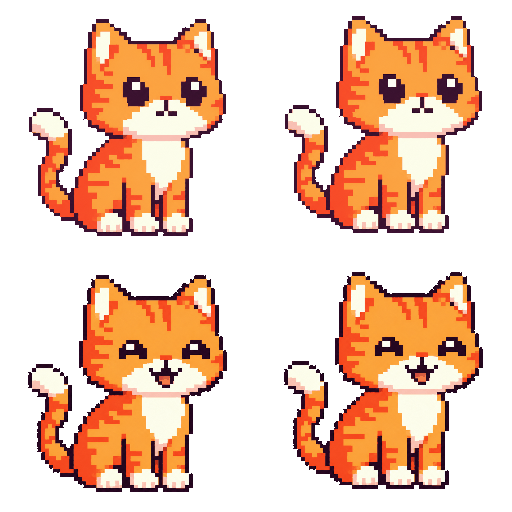
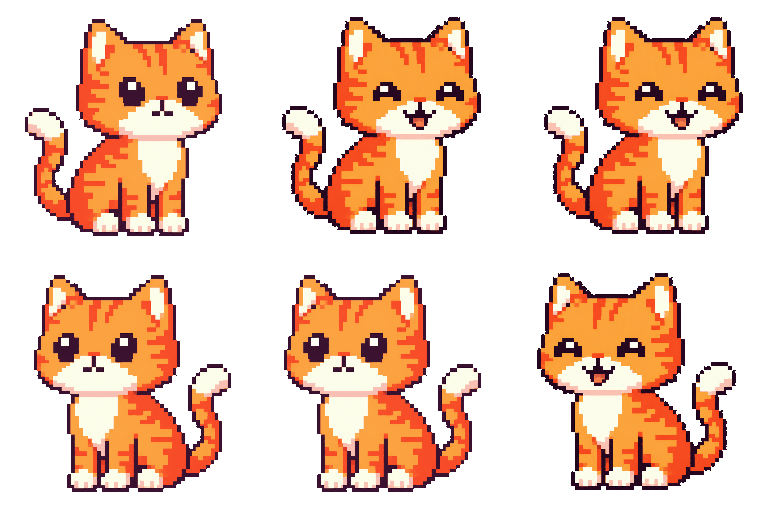
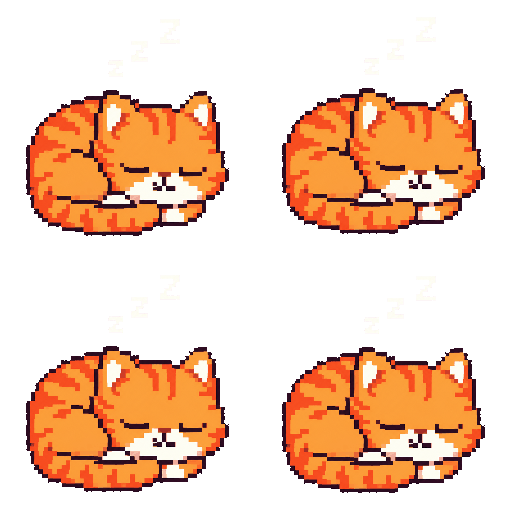
Two completely different patterns: “lives in dock” vs “walks over windows”
Before you pick anything, you have to decide which of these you actually want. They sound similar and they are not.
Lives in the dock or menu bar. The cat occupies a fixed macOS surface (dock tile, menu bar slot, MacBook Pro notch) and animates inside that surface. It never floats on top of your windows. This is the Dockling default, and it is the cleanest pattern on macOS because it uses surfaces Apple already treats as first-class. The cat is present without occluding anything you are working on.
Walks over windows. The cat is a transparent floating window that sits above your other apps and animates across them. This is the Neko/Shimeji tradition. It is genuinely delightful and it is also genuinely harder to do well on modern macOS, because Apple has tightened the rules around floating windows, click-through behavior, and Space-switching in every release since Catalina. Most of the “cat walks on your screen” YouTube videos you have seen are running on Windows or on macOS versions from 2018.
Floating click-through windows on macOS conflict with full-screen Spaces, Stage Manager, Mission Control, and the modern notch-aware menu bar. A pet that walks over Safari can end up stuck in the wrong Space, hidden behind a full-screen app, or firing accessibility prompts every time you switch desktops. Shimeji-ee runs in Java, which adds another layer of permissions and rendering quirks. None of this is fatal, but it is why the modern default is “put the cat in the dock.”
Cat-on-screen apps for Mac compared
| App | Pattern | Apple Silicon | Personal cat from photo | Price |
|---|---|---|---|---|
| Dockling | Dock / menu bar / notch | Native | Yes | $2.99 once |
| Shimeji-ee | Walks over windows | Via Java, sometimes Rosetta | No, stock characters | Free, open source |
| Shijima | Walks over windows | Native | No | Free |
| Oneko (community macOS ports) | Chases the cursor | Mixed, often broken | No | Free |
| Cat menu bar apps (various) | Lives in menu bar | Native | No | Free to $4.99 |
| Desktop Goose | Walks over windows (chaos) | Native | No, it is a goose | Donationware |
The picks, ranked
1. Dockling, if you want a cat that lives in your Mac
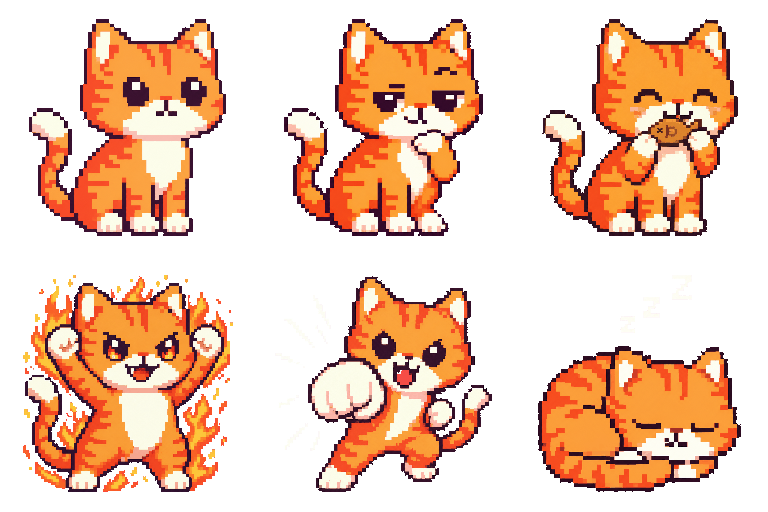
Dockling is built around the “lives in dock/menu bar/notch” pattern. You upload a photo of your actual cat (or pick from 25 stock characters), the website generates a 9-frame pixel pack, and the cat appears on whichever surface you assigned. The cat walks during focus sessions, curls up to sleep on breaks, and reacts to your Pomodoro state. It is the only option on this list where the cat is your specific cat.
What you give up: the cat does not walk on top of your other windows. By design. If that is the part you grew up loving from Neko or Shimeji, this is the wrong pick. If the “cat walking on top of windows” nostalgia was specifically about presence, not about literal window-edge climbing, Dockling will give you that without making you fight Stage Manager. Get Dockling for $2.99 →
2. Shimeji-ee, if you specifically want the over-windows pattern
Shimeji-ee is the closest thing you can get on macOS in 2026 to the original Shimeji experience. It runs in Java, which means you will need a JDK installed, occasionally Rosetta on Apple Silicon, and some patience. The reward is a cat (or any of the stock characters) that actually walks along the top of your Safari window the way the YouTube videos promise.
Caveats: window detection is imperfect on macOS, full-screen Spaces will eat your pet, and the project is community-maintained on a long timescale. See our full walkthrough at Shimeji for Mac.
3. Shijima, modern Shimeji descendant
Shijima is a more modern, more iOS-styled take on the Shimeji idea. Smaller character set, cleaner sprites, native macOS binary instead of Java. Read our review at Shijima Mac review.
4. Oneko ports, mostly for nostalgia
There are still a few Oneko-style projects on GitHub that compile against macOS. The one most people land on is a Swift rewrite that puts a small black-and-white cat chasing your cursor across the screen. It works, sort of. The walk cycle is the original 1989 Neko sprite, which is exactly what you want if pure nostalgia is the goal. None of these have a serious maintainer and most break on each macOS major release until someone re-signs them.
5. Cat menu bar apps
There are several “cat in the menu bar” apps in the Mac App Store with names like Catto, Bongo Cat, and others. Most show a single animated cat sprite in your menu bar that reacts to keystrokes (Bongo Cat) or to the time of day. They are charming and limited. None of them generate a cat from a photo, none of them tie to a focus timer, and most cost between $0 and $4.99.
6. Desktop Goose, the “cat” that is not a cat
We include this because people search for it next to cat-on-screen apps. Desktop Goose is a goose that walks across your screen, harasses you, and steals your cursor. It is the chaotic-evil version of the genre. Read Desktop Goose Mac for the full thing.
“What about a dog on screen on Mac?”
Same answer. Dockling treats dogs as first-class citizens. The stock character lineup includes a Shiba Inu (Shibolino), a retriever-style sprite, and a Highland cow if you want to go further afield. The custom flow works exactly the same way as for cats: upload a photo of your dog, get back a 9-frame pixel pack, drop it in. There is no functional difference between cat and dog in the pipeline. Same for hamsters, rabbits, guinea pigs, dragons, and the one user we had who uploaded their bearded dragon, which came out genuinely great.
Other animals walking on your screen
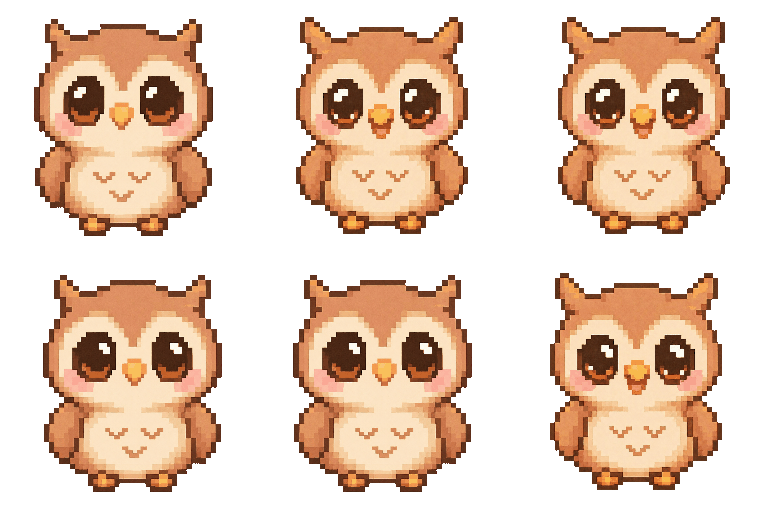
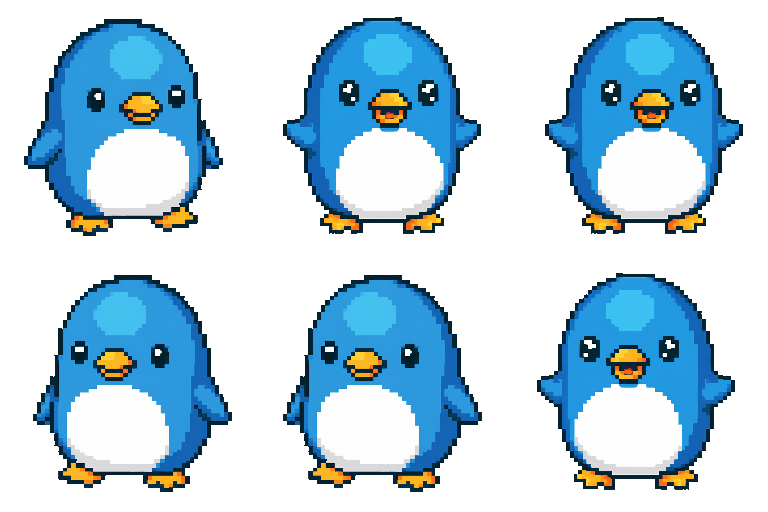
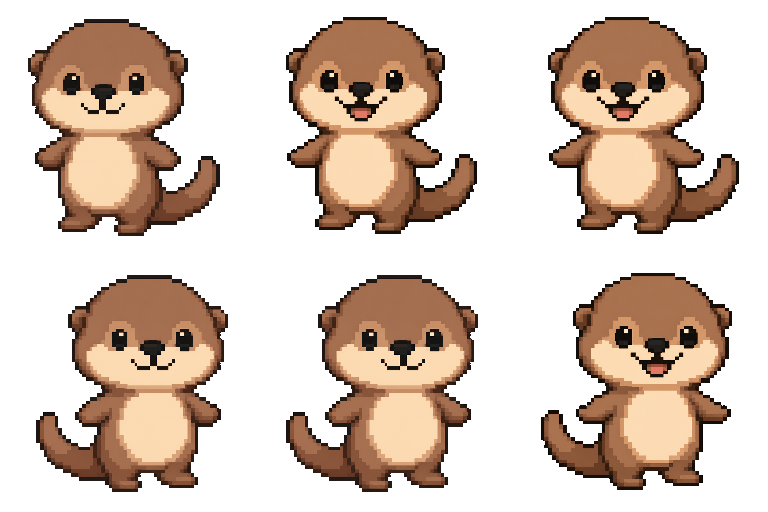
The full Dockling pack lineup includes 25 stock pets: cat, boss_cat, brave_lion, bunny, cappy, chick, chinc_ella, crab, dino, dragon, elephy, frog, highland_cow, hippo, llama, octopus, otter, owl, penguin, pufferfish, red_panda, sadi, shibolino, and triceratops. Most of these came from real user photos that we liked enough to bundle as defaults. If you want a specific animal not on this list, the custom flow handles it.
How to actually pick one
Three questions:
1. Do you want your cat or any cat?
If you want a pixel version of your specific cat, Dockling is the only option that ships that end to end. The rest are stock characters.
2. Does the cat need to walk on top of windows?
If yes, you are in Shimeji-ee or Shijima territory. Be ready for Java setup, occasional macOS permission prompts, and behavior that gets weird around Stage Manager. If no, the dock/menu bar pattern is much more pleasant to live with.
3. Do you want the cat to do anything?
Most cats-on-screen are decoration. The Dockling cat is tied to a Pomodoro timer and a focus streak, so the cat walking or sleeping is genuine feedback about your work state. If you only want decoration, any of the menu bar cats will do.
A note on performance and battery
People assume an animated sprite is a battery drain. It is not. A 32-by-32 pixel sprite redrawing at 8 frames per second is functionally free on Apple Silicon: well under 1% CPU, no GPU usage to speak of, no measurable battery impact on a modern MacBook Pro or Air. The thing that costs battery is full-screen compositing of large floating windows. The dock and menu bar already redraw on every frame anyway, so the cat is essentially free.
The exception is Shimeji-ee, which runs in Java and brings the JVM along. The JVM itself uses a steady chunk of memory and wakes the CPU more often than a native binary. On battery, you will notice it. Plugged in, it is fine.
Related reading
For the broader category, see desktop pet for Mac. For the focus side of why a cat walking helps you work, see best Pomodoro timer for Mac. For the AI generation side, see pet from photo AI. For the notch-specific use case, see macbook notch apps.
FAQ
Is there an app where a cat walks across my Mac screen?
Yes. Dockling puts a pixel cat in your dock, menu bar, or notch. Shimeji-ee and Shijima put a cat on top of your other windows. Choose by which pattern you want.
What is the original cat-on-screen program?
Neko, released in 1989 by Masayuki Koba for the NEC PC-9801. It was ported to X11 as Oneko in 1990 and to Mac OS Classic shortly after. Every cat-on-screen app since traces to it.
Can I have a cat on my screen for free on Mac?
Yes, Shimeji-ee and Shijima are free. Be ready for Java setup with Shimeji-ee and a smaller character selection with both.
Can I make a pixel version of my own cat?
Yes, with Dockling's custom generator. Upload a photo, preview free, $2.99 for the full pack plus the Mac app.
Will a cat-on-screen app drain my battery?
A native pixel cat sprite uses well under 1% CPU and is not measurable in battery terms. Java-based pets like Shimeji-ee have a small but real overhead from the JVM.
Can it walk on top of my other windows?
Only Shimeji-ee, Shijima, and Desktop Goose do that on modern macOS, and the behavior is imperfect around Stage Manager and full-screen Spaces. Dockling takes the opposite approach and puts the cat inside macOS-native surfaces (dock, menu bar, notch).
Sources and further reading
- Neko (Wikipedia) : the 1989 Masayuki Koba original that every cat-on-screen app descends from.
- Shimeji (Wikipedia) : history of the Japanese desktop-mascot tradition and the Shimeji-ee community fork.
- Shijima on GitHub : the native macOS/iOS descendant of Shimeji, with current builds.
- Desktop Goose (Wikipedia) : Sam Chiet's 2020 chaos pet, plus the official itch.io page.
- Sprite (computer graphics) (Wikipedia) : the underlying 2D animation primitive every desktop-cat uses.
- Pixel art (Wikipedia) : background on the visual register that reads correctly inside macOS chrome.
- Tamagotchi (Wikipedia) : the keychain ancestor of the “needs you to look after it” pet category.
Get a pixel pet that lives in your dock.
Pomodoro timer, focus streaks, and a tiny friend generated from your photo. Native macOS, $2.99 one-time.